Turn your blog
into a book.
Bring in your Blogger (Blogspot) or WordPress blog — every post at its date, with its photos and, if you like, its readers' comments — and print it as a hardcover keepsake or keep it as a digital book.
Start Free →Free to start · books from $29.99
Already have an account? Import a Blog →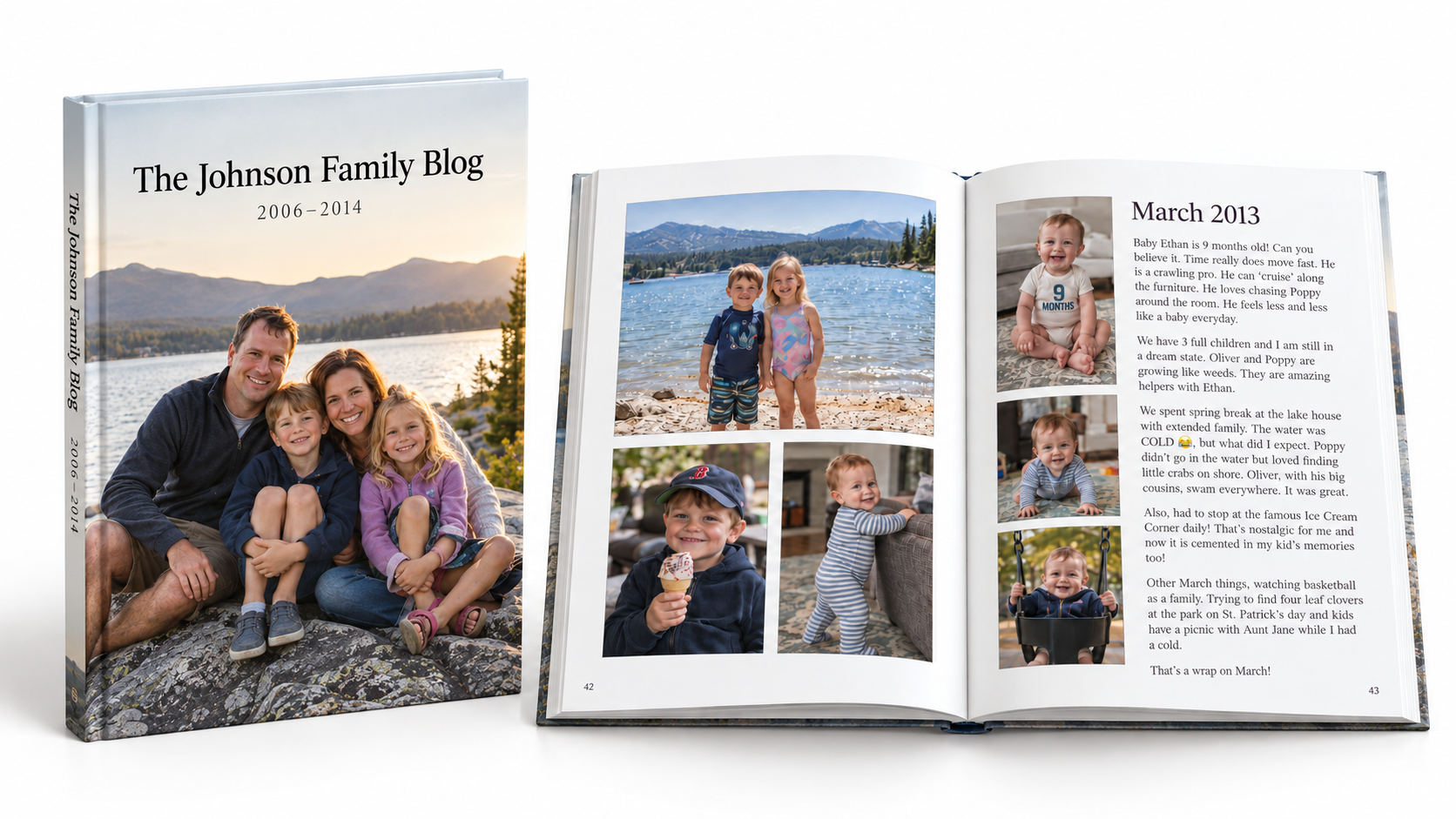
How it works.
Export your blog.
On Blogger, use Google Takeout: tick Blogger and create the export. On WordPress, open Tools → Export, choose All content and download the file.
Import it.
Sign up free, open Import a Blog and drop in what you downloaded. Choose the years and months you want, and whether to include readers' comments. Each post lands in your Archive at its date, and its photos follow in the next few minutes.
Preview it, then order.
See a free sample of your book, then approve a proof of every page before you pay.
What comes in.
Every post, at its date
Alongside anything else you save to the same project.
Its photos
Copied from your blog, so you upload only the export.
Readers' comments, if you want them
Printed beneath each post.
The years you choose
Bring in one year now and another later; posts already in are skipped.
Private posts, only if you say so
A WordPress export's private and password-protected posts come in only when you tick them.
Any other blog
Save it as a PDF and upload it; each page prints as a page of your book.
Questions.
Which blogs can I import?
Blogger, including a blog at a blogspot.com address or on its own domain, and WordPress — WordPress.com or your own WordPress site. Any other blog can come in as a PDF.
Do I need to download my photos?
No. You upload only the export; we copy each post's photos from your blog. If your WordPress site is private, make it public until your Archive shows the photos copied.
How much of my blog should go in one book?
One year per project makes a good book, because each book is made from one project's Archive. Import the next year into a new project, or put several years together.
What does it cost?
Importing your blog is free, and so are your account and Archive. You pay only when you order a book: Memory Print from $29.99, Photo Print from $36.99, Memory Digital and Photo Digital from $14.99 — 30 pages included, then priced by the page. You see the exact price before you pay.